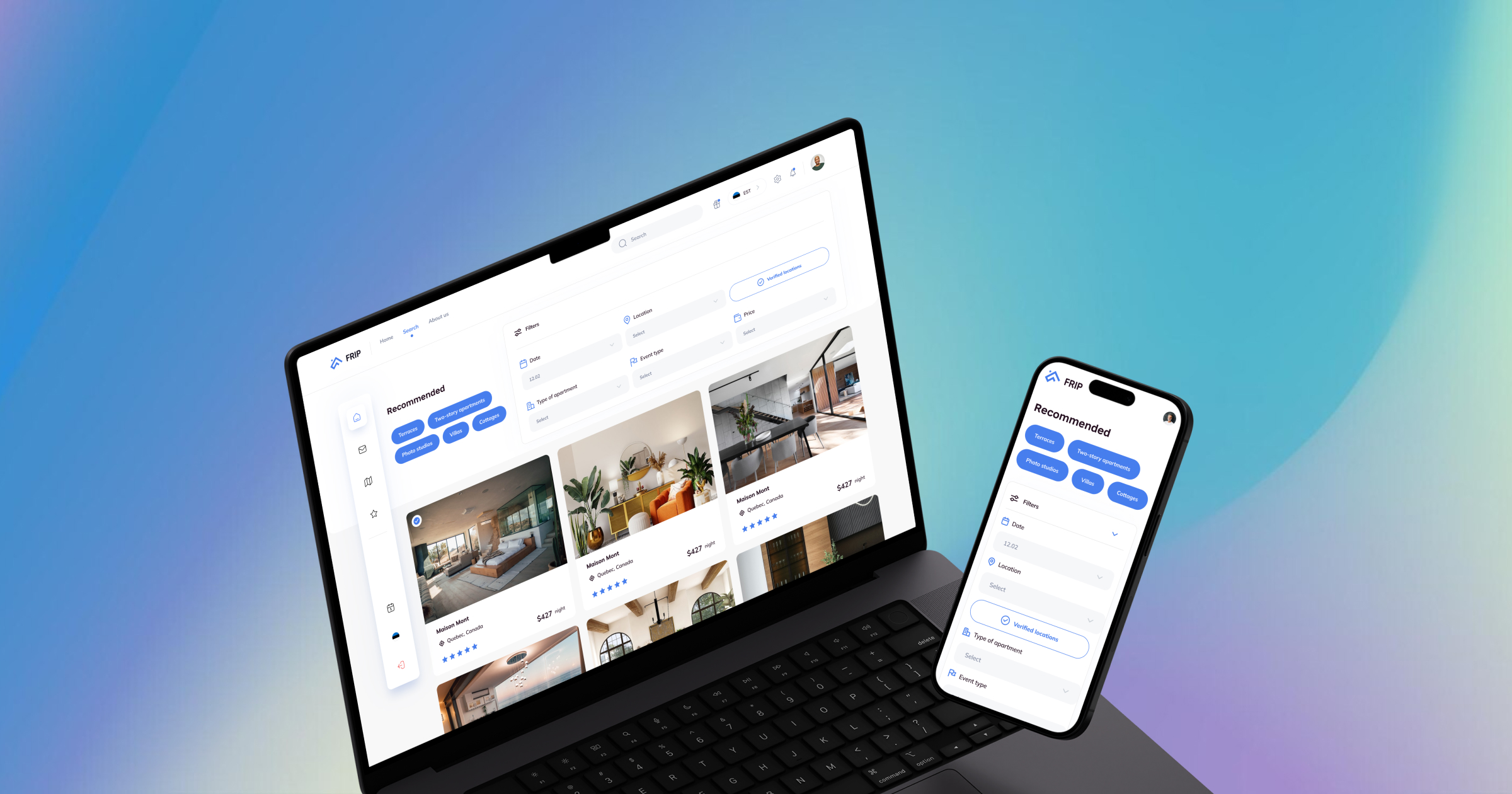
UX design is the execution layer — wireframes, visual design, interaction patterns. UX strategy is the layer above it — the decisions about what the product is, what it's for, who it serves, and how those answers translate into the structure of the application. Most founders think about UX at the design layer. What they miss is the strategy layer — which is where the product's usability is actually determined.
The Four Strategic UX Decisions That Shape Everything
1. Who is the primary user? Most web applications have more than one type of user. The strategic decision is: who is the primary user, and whose workflow does the product optimise for? Primary user first; secondary users accommodated but not prioritised.
2. What is the core action? Every web application has one thing that is the reason the product exists. Every element of the information architecture should support access to and completion of that core action.
3. What does the user need to trust this product? Clear feedback on every action, transparent system state, and consistent behaviour — the same interaction always produces the same result.
4. What is the minimum information the user needs at each step? Progressive disclosure: showing only what's needed for the current task, revealing additional information on demand.
Information Architecture: The Invisible Foundation
Information architecture is how content and functionality are organised, labelled, and connected. It's invisible when done well and immediately apparent when done poorly. Building a Bubble application without designing the information architecture first produces functions organised by when they were built rather than how they relate to the user's mental model.
Designing for the Job, Not the Feature
Users don't use features — they hire products to get a job done. When UX strategy is designed around jobs, the interface is organised by user intent rather than system capability. The navigation reflects the jobs users are trying to do, not the modules the development team built.
A Real-World Example: Katja's Project Management Tool
Katja was building a project management tool for creative agencies in Germany. Primary user: the project manager. Core action: creating a project brief, assigning tasks, tracking status in a single view. When we tested a Bubble prototype with five project managers, the brief creation flow was faster than any existing tool they'd used. Sixty-day retention in the first cohort was above 70% — strong for a new entrant in a competitive category.